Posting Jobs
Learn how to create compelling job listings that attract the right candidates and maximize your hiring success.
Getting Started with Job Posting
Prerequisites
- Active employer account
- Verified email address
- Completed company profile
- Premium subscription
Quick Start Guide
Step 1: Access Job Posting
On "Account -> My Jobs" page click "Post a Job".
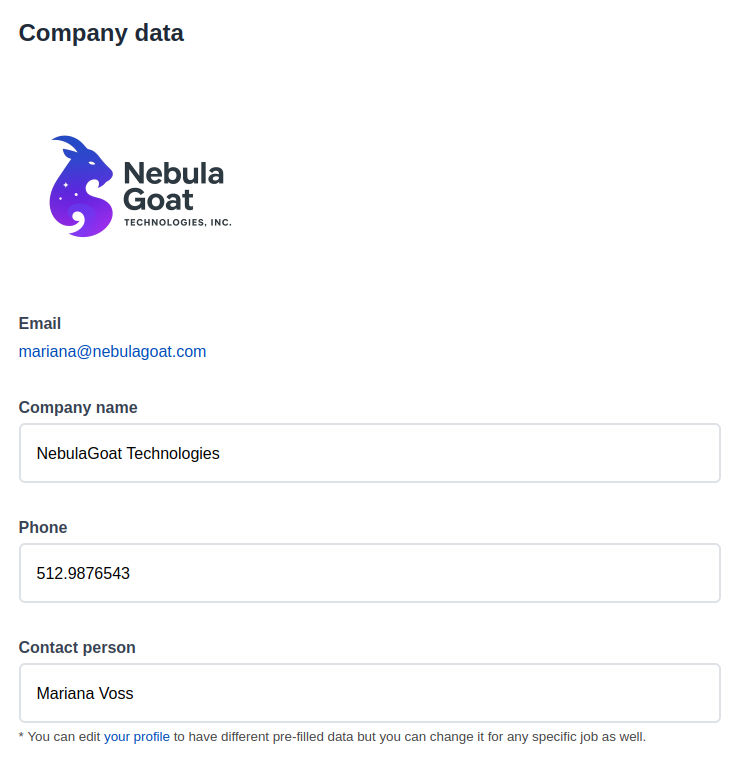
Step 2: Verify your Profile Data
Company name, phone and contact person will be taken from your profile data but you can edit them for each job individually.
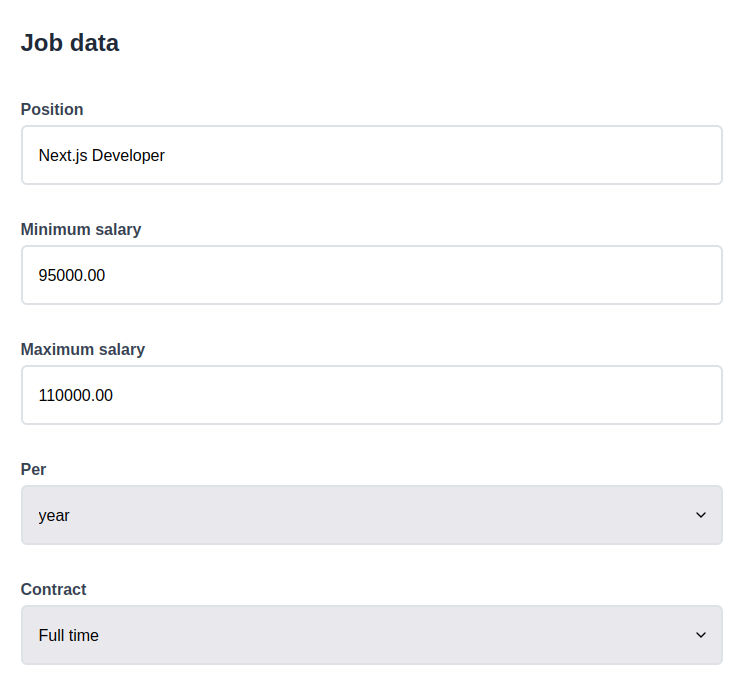
Step 3: Fill Job Information
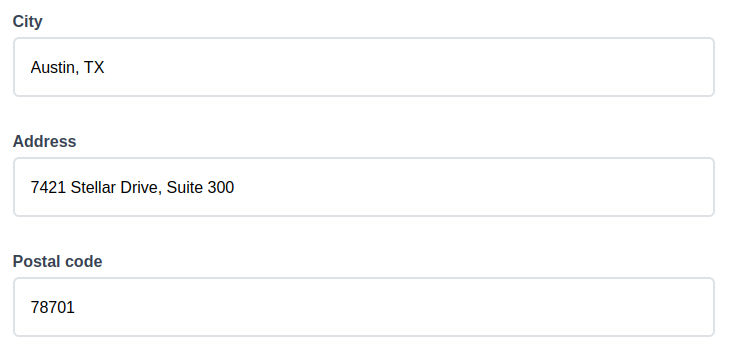
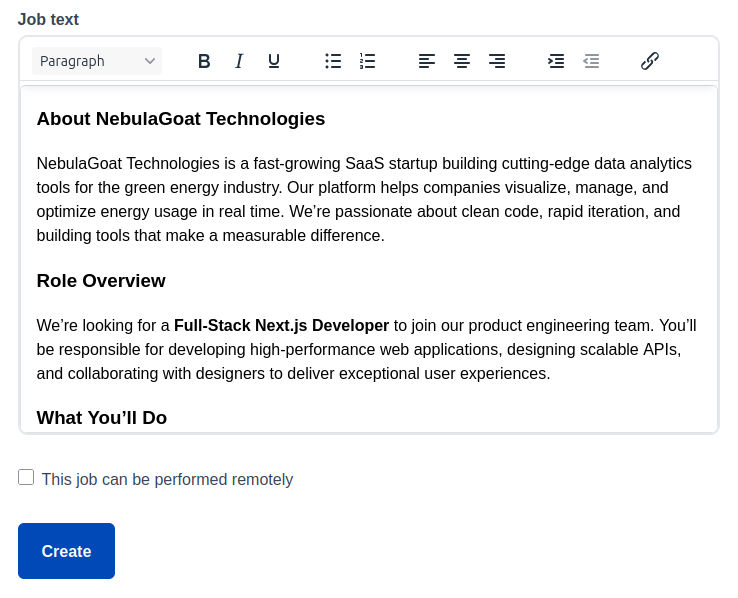
Complete all required fields including position, salary range, contract type, location and address, job text and remote work option.
Step 4: Review and Submit
Preview your listing and submit it for approval.
Step 5: Going Live
Once approved, your job listing will go live and be visible to candidates.
Screenshot: Job Posting - Company Data
Screenshot: Job Posting - Job Data
Screenshot: Job Posting - Location
Screenshot: Job Posting - Text and Remote Option
Essential Job Details
Job Position Best Practices
Your job position is the first thing candidates see. Make it clear, specific, and searchable.
Good Examples:
- Full-Stack Developer - NextJS
- Marketing Manager - Digital Strategy
- Customer Support Representative
- Data Analyst
Avoid:
- Rockstar Developer Needed!
- Amazing Opportunity for Great Person
- Team Member Level 3
- Do not include specifics like salary range, location, or contract type in the title
Recommended Job Description Structure
- Company Overview - Brief introduction to your company and culture
- Role Summary - 2-3 sentences describing the position
- Key Responsibilities - Main duties and tasks
- Required Qualifications - Must-have skills and experience
- Preferred Qualifications - Nice-to-have skills
- Benefits & Perks - What you offer employees
- Application Instructions - How to apply and next steps
Salary and Compensation
Including salary information increases application rates by 30%.
Location and Remote Work
Job Posting Best Practices
Writing Compelling Descriptions
Use Action Words
Start bullets with strong verbs: Lead, Develop, Manage, Create, Analyze
Highlight Growth
Mention career advancement opportunities and professional development
Show Impact
Explain how the role contributes to company success and goals
Include Culture
Describe your work environment, values, and team dynamics
Common Mistakes to Avoid
Overly Long Descriptions
Keep descriptions focused and under 700 words. Use bullet points for readability.
Unrealistic Requirements
Don't ask for 10+ years experience for entry-level positions or every possible skill.
Missing Benefits
Always include information about benefits, perks, and company culture.
Generic Templates
Customize each job posting rather than using generic templates for all positions.
Attracting Quality Candidates
- Competitive Compensation: Research market rates and offer competitive packages
- Clear Career Path: Outline advancement opportunities and growth potential
- Flexible Benefits: Highlight remote work, flexible hours, and work-life balance
- Learning Opportunities: Mention training budgets, conferences, and skill development
- Company Mission: Share your company's purpose and impact